
Appearance
How to search or sort your data
Search in your data
Our search functionalities are designed to enhance your data exploration, enabling you to quickly pinpoint the information you need. Here's how:
Simple search
Use the the search tool in the top right to easily find what you are looking for. The search tool enables you to quickly locate specific items within your data using keywords like identifiers (e.g., O075475), fold change (e.g., 0.90), p-values (e.g., 7.606e-60), and more.

Advanced search
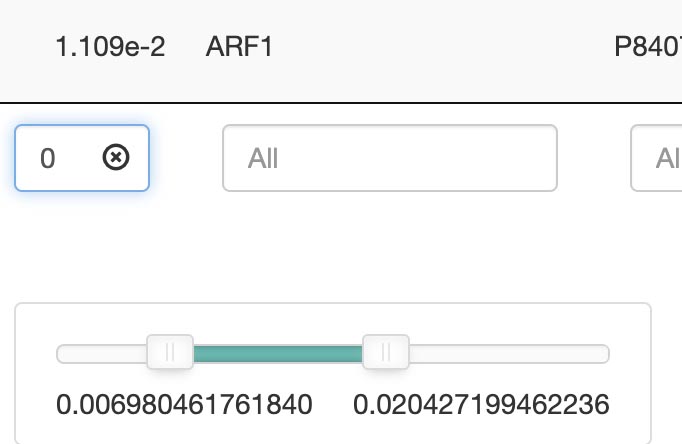
For more refined searches, each category offers specialized search tools in the bottom of the column, allowing for multi-factor searches or range-based searches. If you want to remove a specific factor from a multiple factor search, this can be accomblished by clicking on the (x) next to the factor.
Search by keywords
Find data by specific keywords, such as an identifier (O075475), including:
- ID
- Description
- Gene ratio
- Bg Ratio
- p-value
- geneID
- Uniprot entry
Search by keywords or ranges: Advanced options allow for range-based searches, such as a p-value between 1.14 and 1.66. A slider in the search bar can be used to adjust.
- p-value
- p.adjust
- q-value
- count
Sorting data
Each column in has a top/down arrow, which enables you to sort tables by the highest/lowest values or in alphabetical order (A-Z or Z-A).