
Appearance
Selecting nodes in the Pathway graph
Selecting nodes within the Pathway graph is your first step towards utilizing a variety of analytical and organizational tools that enhance your research. Depending on your operating system, the method to select nodes varies.
How to select nodes
Mac:
⌘ Command+ClickAdd individual nodes to your selection.Shift+DragSelect an area to include all nodes within that region.
PC:
Ctrl+ClickAdd individual nodes to your selection.Shift+DragSelect an area to encompass all nodes within that region.
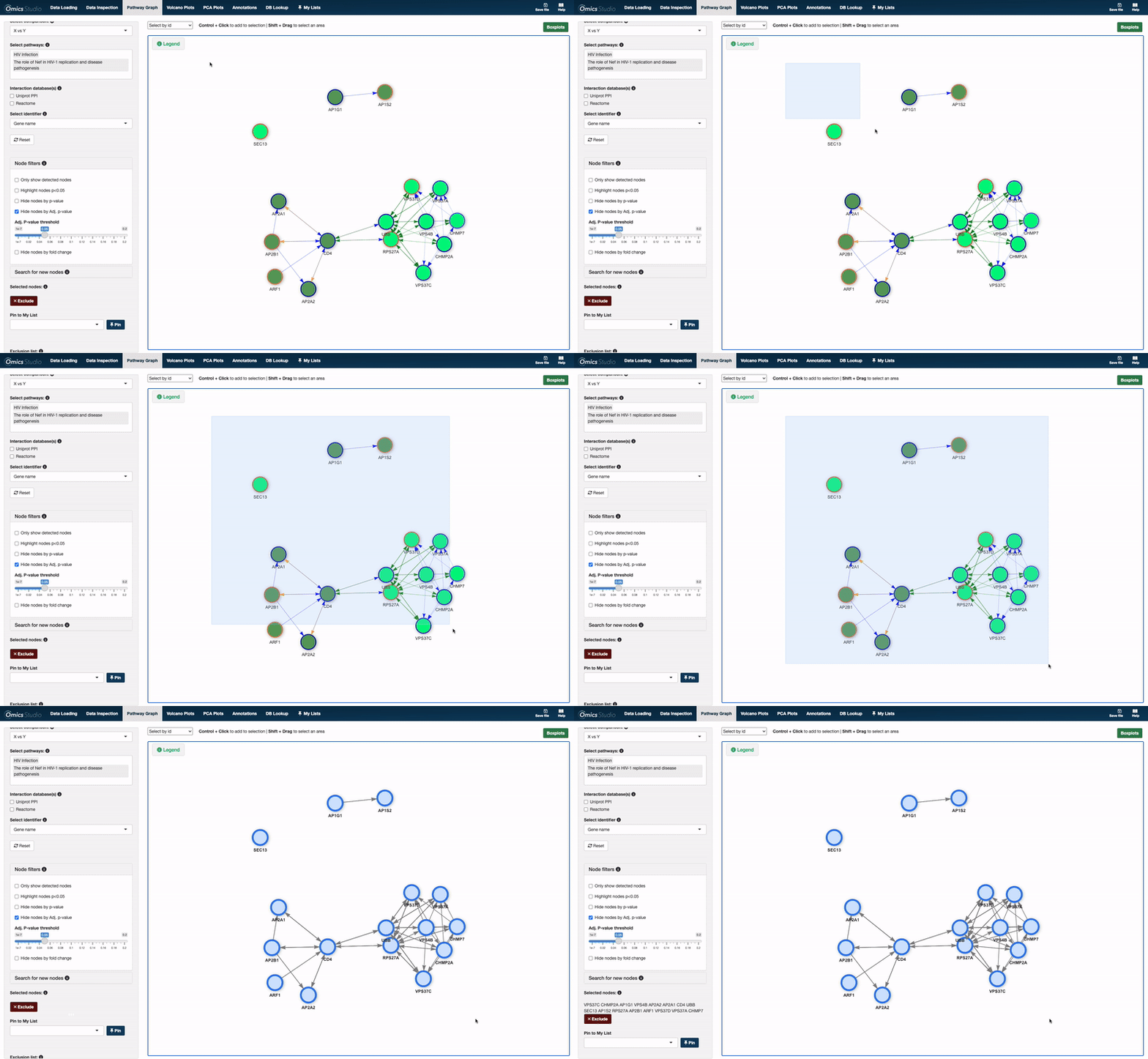
After selecting nodes
Once you've selected nodes, a suite of useful functions becomes available to you. These functionalities are designed to deepen your analysis, organize your findings, and streamline your research process. They include:
Pin to My ListSave your selected nodes to "My List" for easy access and further analysis.ExcludeSimplify your graph by removing unnecessary connections between nodes.BoxplotsGenerate boxplots for selected nodes to analyze their statistical distributions and compare across different conditions or groups.
Learning to effectively select and manipulate nodes in the Pathway graph empowers you to tailor the tool to your research needs, facilitating a more efficient and insightful analysis.